Full-build compatibility checks in one tool
PC Part Compatibility Checker
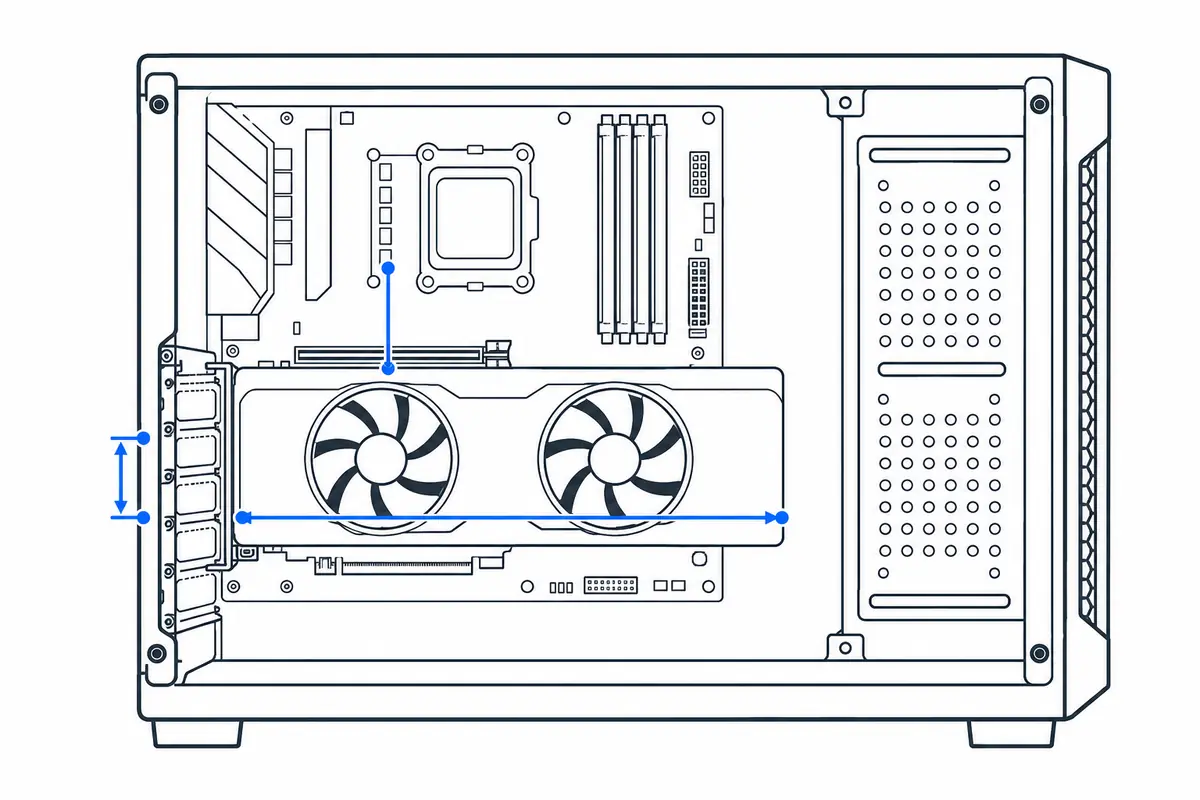
Select a representative build. The checker tests CPU socket, RAM generation, GPU length and thickness, cooler height, estimated PSU headroom and PCIe power connectors.
What this tool cannot guarantee
GPU and case entries are representative, not universal. Board-partner card dimensions, radiator placement, front fans, BIOS support, PSU form factor and cable bend radius can change the result. Confirm exact manufacturer part numbers before purchase.
Sources & update method
Socket and memory checks follow platform specifications; power uses CPU peak + GPU board power + 75W for the rest of the system, then targets at least 20% capacity headroom. Case and GPU dimensions are deliberately labeled representative. See the full methodology and limitations.
How to check a PC parts list correctly
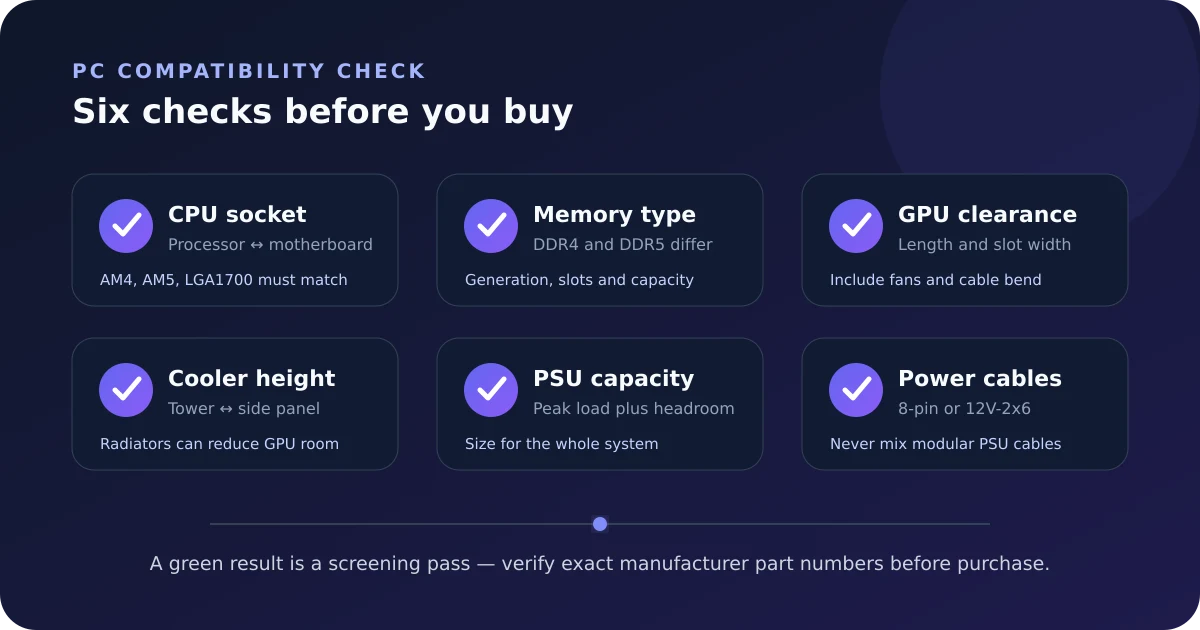
A useful compatibility check follows the physical and electrical path through the build: processor to motherboard, motherboard to memory, cooler and graphics card to case, then the full system to the power supply.
Step by step
- Select the exact CPU and motherboard, then confirm the socket and supported BIOS version.
- Match DDR4 or DDR5 memory to the board; the generations are physically keyed and cannot be mixed.
- Compare exact GPU length, thickness and height plus cooler height or radiator dimensions with the case limits.
- Verify PSU wattage, physical format and every required CPU and GPU power connector.
How to read the result
A green result means the stored specifications do not reveal an obvious conflict. It cannot see optional drive cages, front radiators, vertical GPU mounts, unusually tall power plugs or a retailer shipping an older BIOS revision.
Common mistakes to avoid
- Selecting a GPU family rather than the exact partner model; cards using the same chip can differ greatly in size.
- Assuming every motherboard with the correct socket supports every CPU without a BIOS update.
- Checking GPU length but ignoring slot thickness, side-panel clearance and power-cable bend radius.
- Matching PSU wattage while overlooking SFX versus ATX size or 8-pin versus 12V-2x6 cabling.
Verify before you buy or change settings
Use this result as a shortlist check. For the final order, compare the model numbers on each retailer page with the support list and dimensional drawings published by every manufacturer. If any exact model is absent from the calculator, use the manufacturer measurements rather than a similar product.
Calculator logic and this guide were reviewed October 25, 2026. See the methodology and limitations.