Honest CPU/GPU Bottleneck Estimator
No fake percentages. Get a directional scenario verdict based on your resolution, game type and upscaling.
Quick Summary · TL;DR
A bottleneck is not a fixed number. It depends on resolution (1080p stresses the CPU, 4K stresses the GPU), game engine (eSports is CPU-bound, AAA is GPU-bound) and upscaling (which shifts load back to the CPU). This estimator reports a balance band — balanced, slightly limited, or severely mismatched — the way hardware analysts actually do.
How resolution moves the bottleneck
| Resolution | Main stress | CPU relevance |
|---|---|---|
| 1080p | Processor | Extremely high |
| 1440p | Equilibrium | Moderate |
| 4K | Graphics card | Very low |
Sources & verification
The calculator uses relative internal tiers and scenario weights. It intentionally avoids exact bottleneck percentages and must not be treated as a measured benchmark. Last reviewed September 12, 2026.
How to interpret a bottleneck estimate
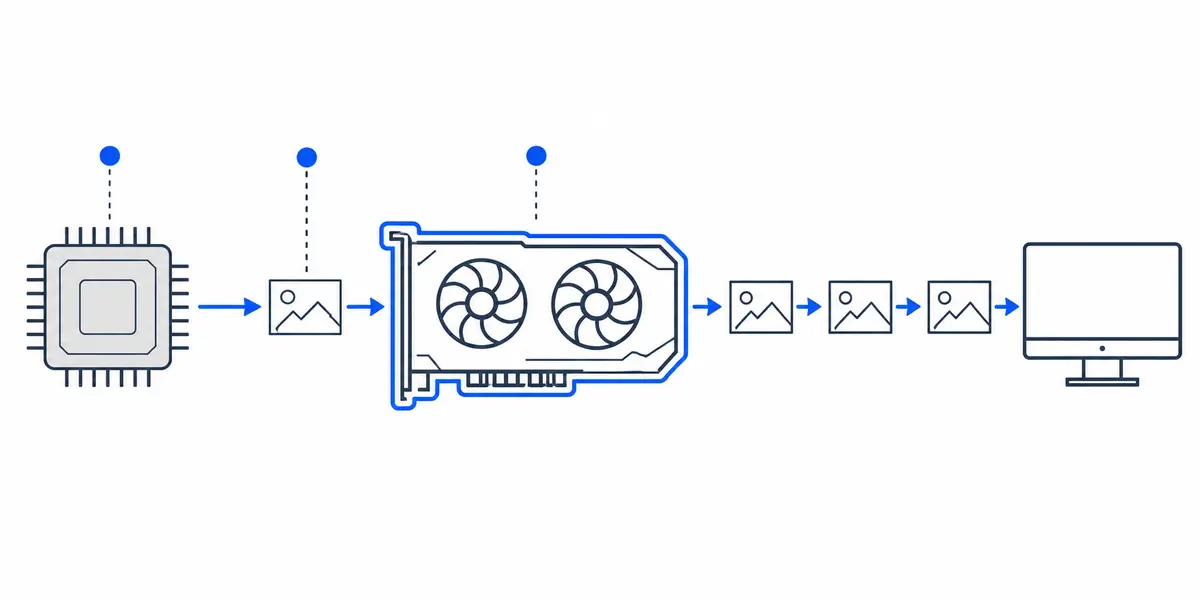
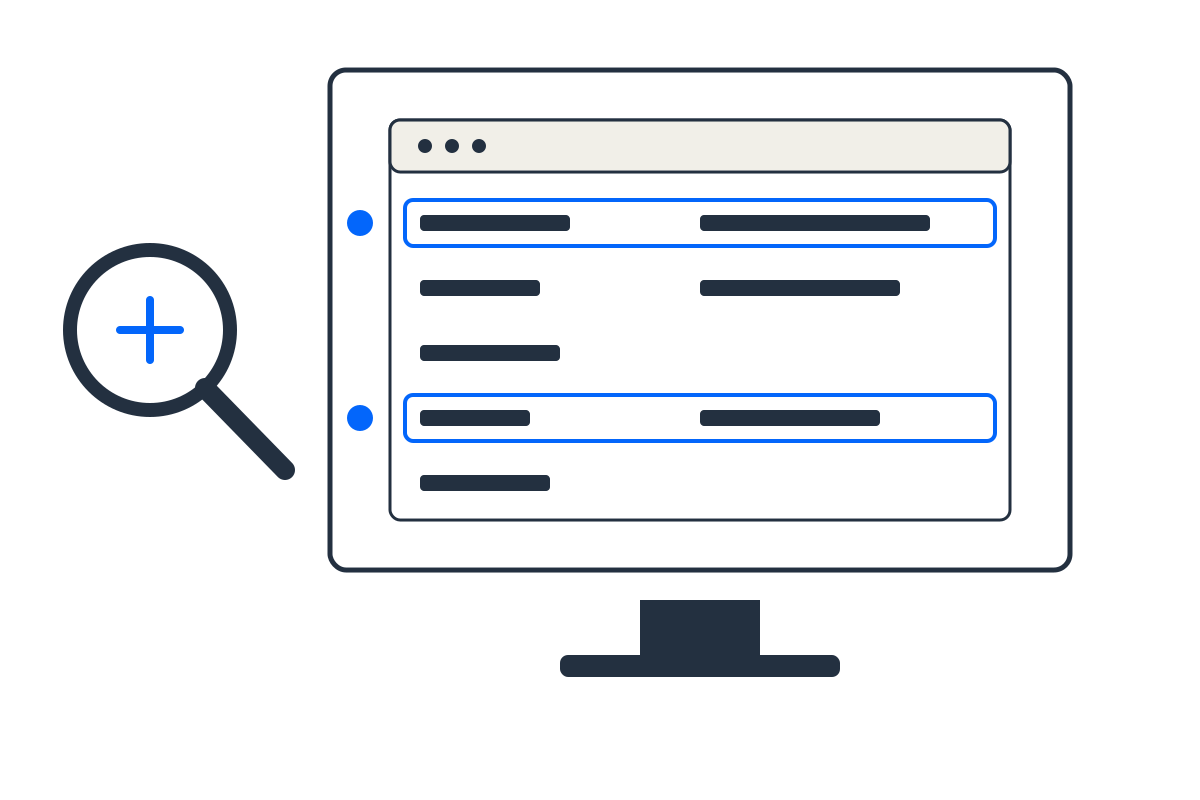
Every PC has a limiting component in a given scene. The useful question is not whether a bottleneck exists, but whether the likely limit matches your resolution, game type, settings and refresh-rate target.
Step by step
- Choose the closest CPU and GPU, then set the resolution you actually plan to use.
- Select the workload type: competitive games lean harder on the CPU, while high-resolution visual games lean on the GPU.
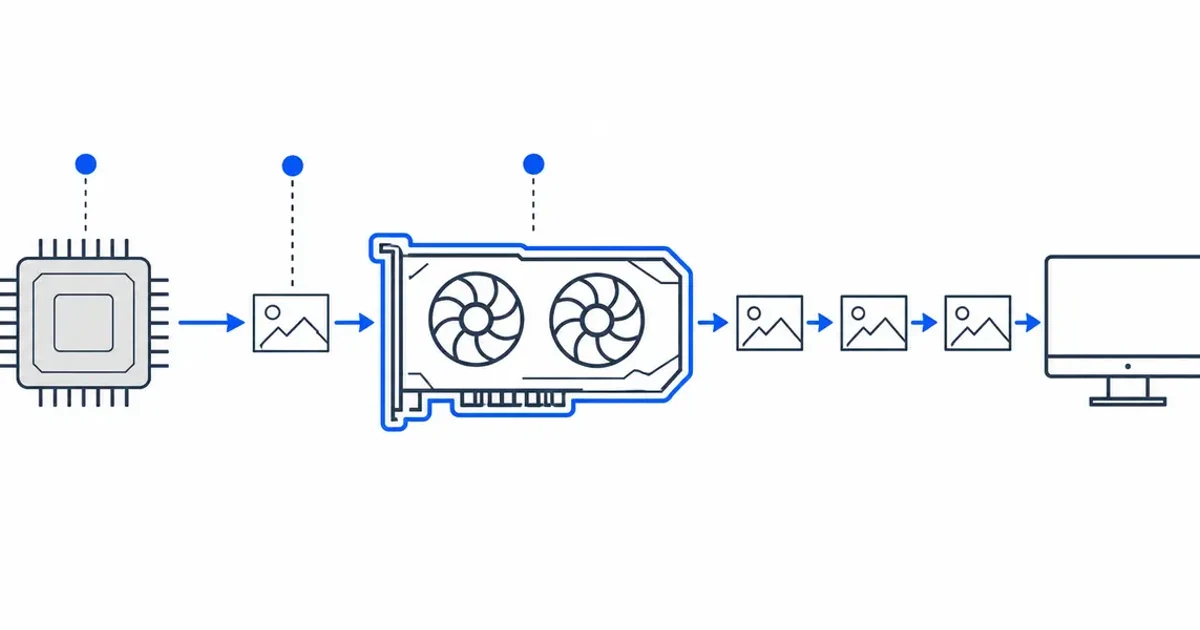
- Set upscaling according to your real settings because it reduces GPU work and can expose a CPU limit.
- Read the directional verdict, then validate it with benchmarks for your exact game.
How to read the result
The estimator deliberately avoids a universal percentage. A pairing can be CPU-limited at 1080p low settings and GPU-limited at 4K ultra settings on the same day. The result identifies the more likely first limit for the selected scenario.
Common mistakes to avoid
- Treating one percentage from a generic calculator as a property permanently attached to two products.
- Ignoring refresh rate; 60 FPS and 240 FPS targets can require very different CPU performance.
- Comparing benchmark averages from different game versions, memory kits or graphics settings.
- Upgrading the limited part before checking utilisation, temperatures, clocks, frame-time and background tasks.
Verify before you buy or change settings
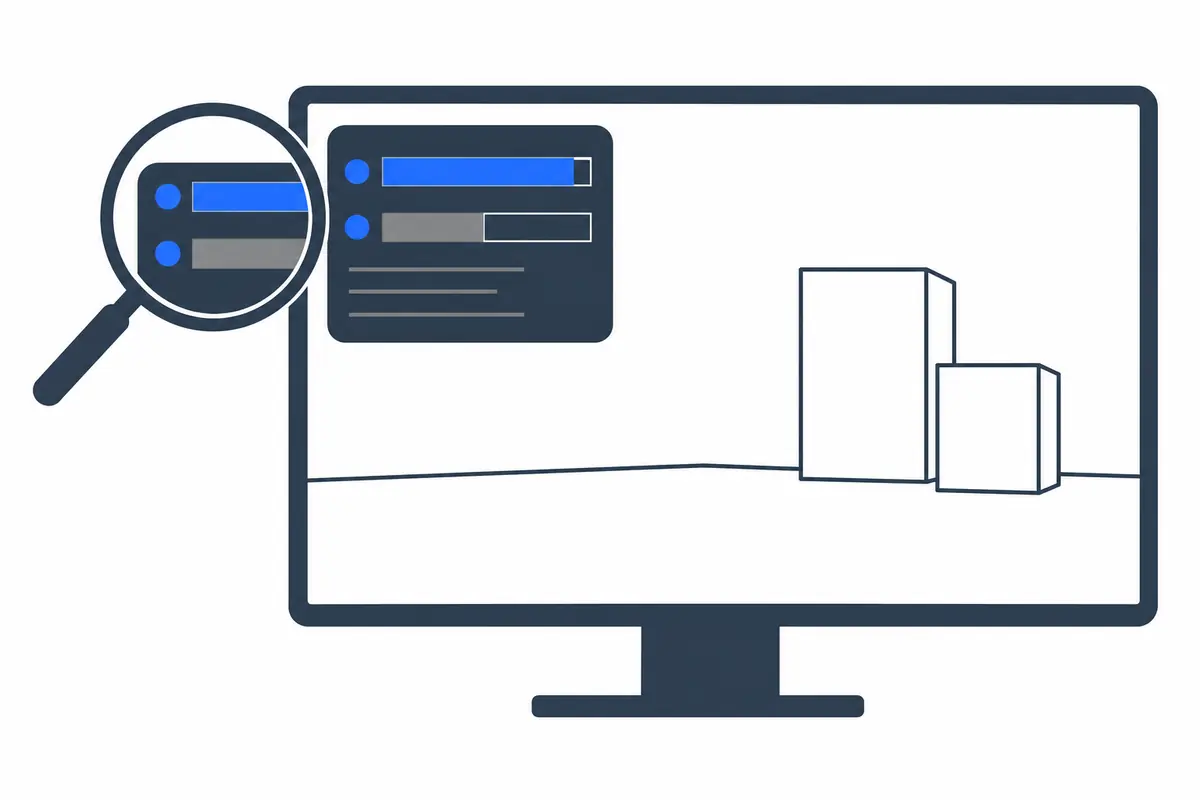
Confirm with current independent benchmarks for the exact game, then measure your own system using GPU utilisation and frame-time. High GPU utilisation is normally desirable in a graphics-limited game. A CPU limit can appear on one busy core even when total CPU utilisation looks modest.
Calculator logic and this guide were reviewed September 12, 2026. See the methodology and limitations.
Frequently asked questions
Why won't this tool give me an exact bottleneck percentage?
Because a single deterministic percentage is meaningless; a bottleneck shifts scene to scene depending on resolution, game engine and effects. Honest tools report balance bands, which is how hardware analysts actually evaluate pairings.
Does resolution change my bottleneck?
Hugely. At 1080p the CPU is stressed most and exposes weak processors, while at 4K the GPU does almost all the work and the CPU becomes nearly irrelevant; that is why the tool weights each resolution differently.
Why does enabling DLSS make my CPU the bottleneck?
Upscaling drops the internal render resolution, so a 4K image is really rendered near 1080p and the load shifts back onto the CPU. The estimator accounts for this by treating 4K-with-upscaling like a 1440p workload.
Want a pre-balanced build instead of checking your own? Use the Auto PC Builder, then size the power supply with the PSU Calculator.