The Best $2000+ Gaming PC Build for 2026
The $2000+ tier chases uncompromised performance for native 4K and VR. With the RTX 5090 inflated by AI demand, the RTX 5080 is the sensible ceiling, paired with the fastest gaming CPU money can buy.
Tier 05 · Enthusiast
$2000+ Build
- View ›
Processor (CPU)
AMD Ryzen 7 9800X3D
3D V-Cache still posts the highest gaming frame rates available, and the gap widens in simulation titles.
- View ›
Graphics (GPU)
ASUS Prime GeForce RTX 5080 16GB OC
The ceiling before value collapses. The 5090 costs more than this entire build for roughly 30% more performance.
- View ›
Motherboard
ASUS TUF Gaming X870-Plus WiFi
PCIe 5.0 on both the graphics slot and the primary M.2, so nothing here needs replacing for a generation.
- View ›
Memory (RAM)
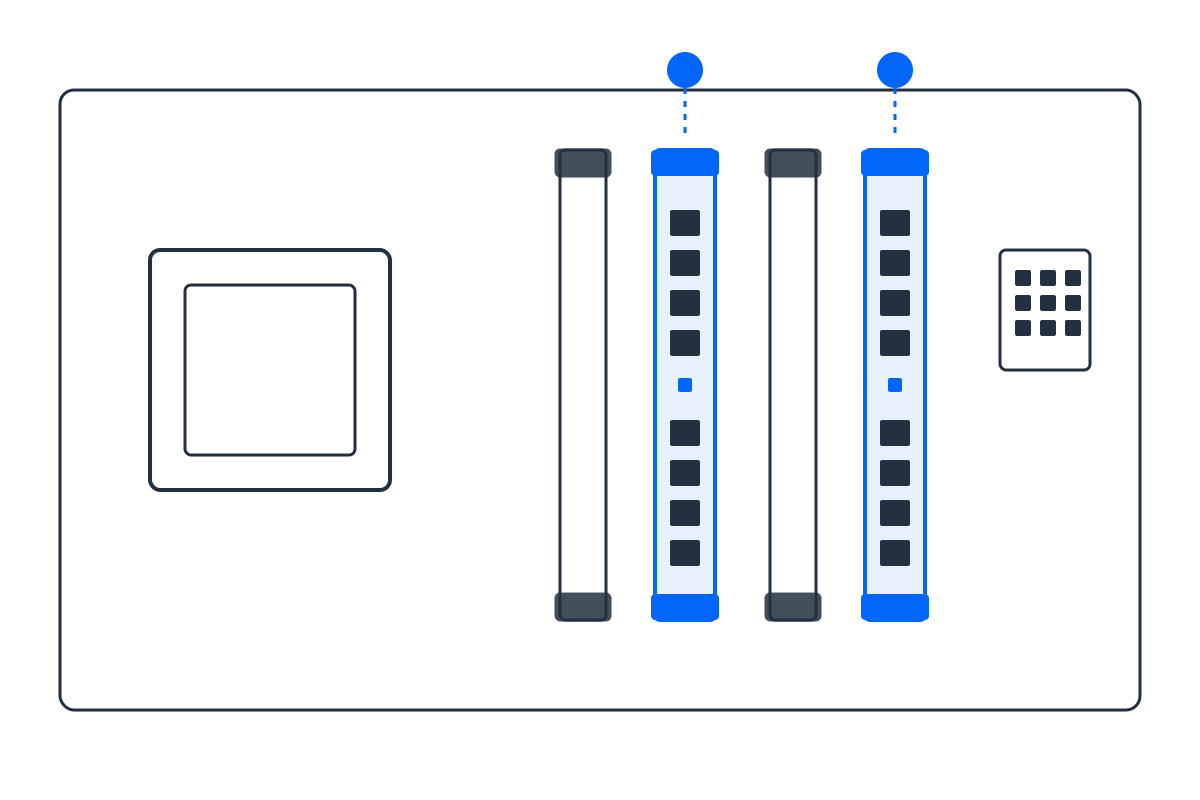
G.Skill Trident Z5 Neo RGB 32GB (2x16GB) DDR5-6000 CL30
EXPO-tuned for Zen 5. Low latency matters more than raw frequency when feeding a large L3 cache.
- View ›
Storage (SSD)
Crucial T705 2TB NVMe Gen5
14,500 MB/s. Genuinely optional, but this is the tier where the money exists to buy it.
- View ›
Power Supply
Corsair RM850x (2024) 850W 80+ Gold ATX 3.1
Zero-RPM operation and ATX 3.1 excursion ratings sized for the RTX 5080's power behaviour.
Built for 4K high, or 1440p at very high refresh
$2000 class
The tier where the CPU stops being a compromise. Beyond this, value falls off a cliff. Component prices move week to week, so check the current price on each link before ordering; the balance between the RTX 5080 and the Ryzen 7 9800X3D is what this tier is really about.
Opens Amazon with every part pre-loaded. Check quantities before checkout. As an Amazon Associate we may earn from qualifying purchases.
Why these exact parts (and no bottleneck)
Every part is matched on purpose. The build starts from the GPU, the biggest driver of frame rate, then picks the CPU, chipset, RAM generation and PSU wattage that keep it fed without waste. A real bottleneck only appears when one part is far weaker than the rest, and this list is engineered so that never happens. Want to verify a different pairing? Try the Bottleneck Estimator or size your power supply with the PSU Calculator.
Frequently asked questions
Why not the RTX 5090 in a $2000 build?
Because AI demand has pushed the 5090 to roughly double its launch price. The RTX 5080 delivers native 4K without that 'AI tax'.
Is the 9800X3D overkill for gaming?
The opposite; its 3D V-Cache makes it the single best gaming CPU, perfectly matched to the RTX 5080.
Do I need more than 32GB of RAM for 4K gaming?
No; 32GB remains the sweet spot even at 4K. Save 64GB for heavy productivity workloads.