The Best $800 Gaming PC Build for 2026
$800 is the historical sweet spot where the worst budget compromises disappear. This build maxes out 1080p and steps into 1440p, keeping costs down with DDR4 so the money lands on the graphics card.
Tier 02 · Budget Sweet Spot
$800 Build
- View ›
Processor (CPU)
Intel Core i5-12400F
Six Golden Cove cores with clearly stronger single-thread speed than the Ryzen 5 5600 at the same price.
- View ›
Graphics (GPU)
Sapphire Pulse AMD Radeon RX 7600 8GB
Best raster performance per dollar in this bracket. The Pulse is the quiet, MSRP-priced variant.
- View ›
Motherboard
ASUS Prime B760M-A WiFi D4
The D4 revision lets you reuse cheap DDR4 and push the savings into the GPU, where they buy more frames.
- View ›
Memory (RAM)
Corsair Vengeance LPX 16GB (2x8GB) DDR4-3200 CL16
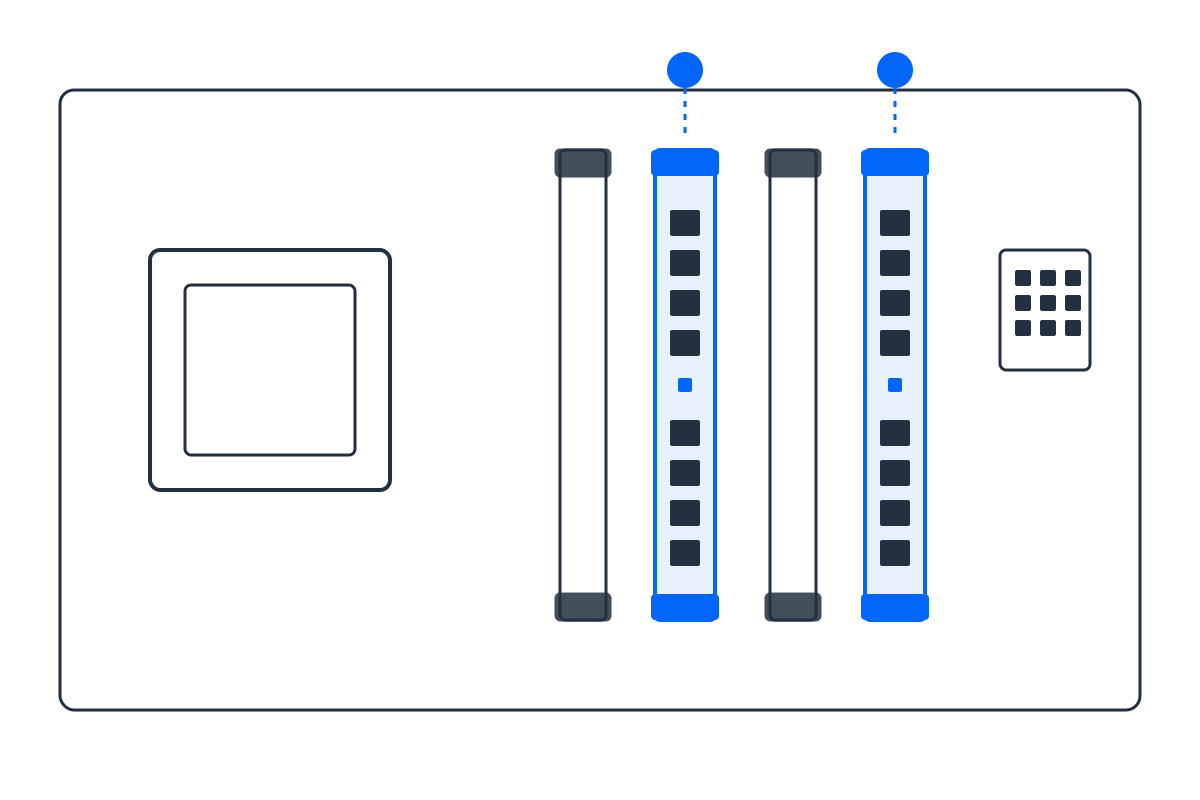
The most reliable XMP kit on B760 D4 boards; tuned DDR4-3200 trails base DDR5 by only a few percent in games.
- View ›
Storage (SSD)
WD_BLACK SN770 1TB NVMe Gen4
Gen4 speeds at a Gen3 price. Step up to the SN850X for about $25 more if you move large video files often.
- View ›
Power Supply
MSI MAG A650GL 650W 80+ Gold
Gold efficiency and full modularity at Bronze money, with enough headroom for RDNA 3 transient spikes.
Built for 1080p high refresh, 1440p at medium
$800 class
The budget sweet spot. The CPU is deliberately a generation behind so the GPU can be a class up. Component prices move week to week, so check the current price on each link before ordering; the balance between the RX 7600 and the Core i5-12400F is what this tier is really about.
Opens Amazon with every part pre-loaded. Check quantities before checkout. As an Amazon Associate we may earn from qualifying purchases.
Why these exact parts (and no bottleneck)
Every part is matched on purpose. The build starts from the GPU, the biggest driver of frame rate, then picks the CPU, chipset, RAM generation and PSU wattage that keep it fed without waste. A real bottleneck only appears when one part is far weaker than the rest, and this list is engineered so that never happens. Want to verify a different pairing? Try the Bottleneck Estimator or size your power supply with the PSU Calculator.
Frequently asked questions
Is $800 enough for 1440p gaming?
It's enough for entry-level 1440p and flawless 1080p Ultra. For consistently high-refresh 1440p, the $1200 tier fits better.
Should I get DDR4 or DDR5 at $800?
DDR4; tuned DDR4-3200 performs within a few percent of base DDR5 in games but costs much less, freeing budget for the GPU.
RX 7600 vs RTX 5060 for $800?
The RX 7600 usually wins on raw rasterization per dollar here. Choose NVIDIA only if you need DLSS specifically.