The Best $1200 Gaming PC Build for 2026
At $1200 the platform shifts entirely to next-gen: AM5, DDR5 and a long upgrade path. It is built to saturate high-refresh 1440p monitors and stay relevant for years.
Tier 03 · Mid-Range
$1200 Build
- View ›
Processor (CPU)
AMD Ryzen 5 9600X
Zen 5 on AM5, a socket that still has upgrade paths ahead of it rather than behind it.
- View ›
Graphics (GPU)
PowerColor Reaper AMD Radeon RX 9060 XT 16GB
16GB of VRAM at this price has no direct competitor, and 1440p ultra textures are where 8GB cards fall apart.
- View ›
Motherboard
MSI B650 Gaming Plus WiFi
VRM headroom for a future X3D drop-in, plus WiFi 6E without paying X670 prices.
- View ›
Memory (RAM)
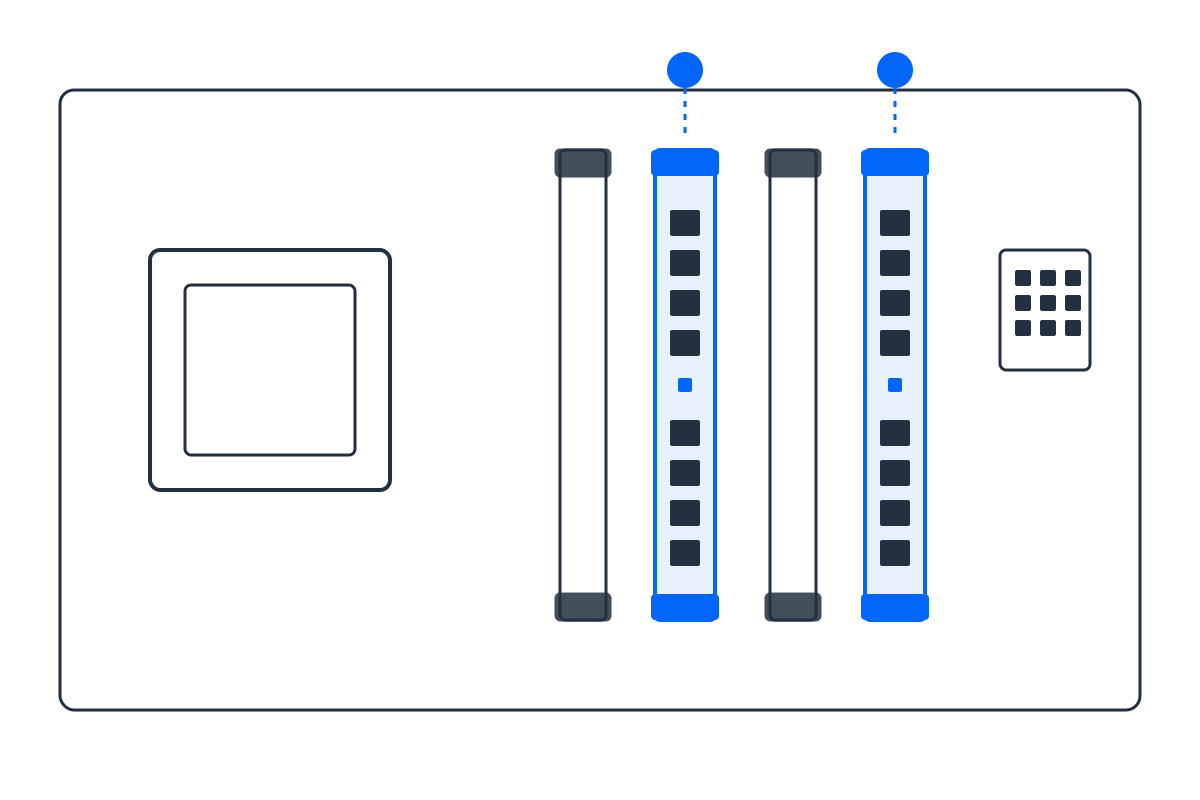
G.Skill Flare X5 32GB (2x16GB) DDR5-6000 CL30
DDR5-6000 CL30 is the 1:1 Infinity Fabric sweet spot for Zen 5. Faster kits usually run slower in practice.
- View ›
Storage (SSD)
WD_BLACK SN850X 1TB NVMe Gen4
7,300 MB/s with a real DRAM cache, which is what DirectStorage titles actually lean on.
- View ›
Power Supply
Corsair RM750e (2025) 750W 80+ Gold ATX 3.1
ATX 3.1 units are rated to ride out spikes at twice their label, which is exactly what RDNA 4 produces.
Built for 1440p high, 60fps+ in most titles
$1200 class
First tier on a socket with an upgrade path left, and the first with 16GB of VRAM. Component prices move week to week, so check the current price on each link before ordering; the balance between the RX 9060 XT 16GB and the Ryzen 5 9600X is what this tier is really about.
Opens Amazon with every part pre-loaded. Check quantities before checkout. As an Amazon Associate we may earn from qualifying purchases.
Why these exact parts (and no bottleneck)
Every part is matched on purpose. The build starts from the GPU, the biggest driver of frame rate, then picks the CPU, chipset, RAM generation and PSU wattage that keep it fed without waste. A real bottleneck only appears when one part is far weaker than the rest, and this list is engineered so that never happens. Want to verify a different pairing? Try the Bottleneck Estimator or size your power supply with the PSU Calculator.
Frequently asked questions
Is $1200 enough for high-refresh 1440p?
Yes; the RX 9060 XT 16GB is built for exactly that, with 16GB VRAM keeping it smooth in unoptimised ports.
Why move to DDR5 and AM5 at this tier?
Because $1200 is where future-proofing pays off; AM5 gives years of CPU upgrades and 32GB DDR5 prevents page-file stutter.
Do I need 32GB of RAM for 1440p gaming?
At this tier, yes; modern games allocate 12-18GB, so 32GB stops the system swapping to SSD and dropping frames.