Is the RX 7600 Good for 4K & 1440p Gaming?
8GB VRAM · RX 7000 · performance index 38/100
Quick Summary · TL;DR
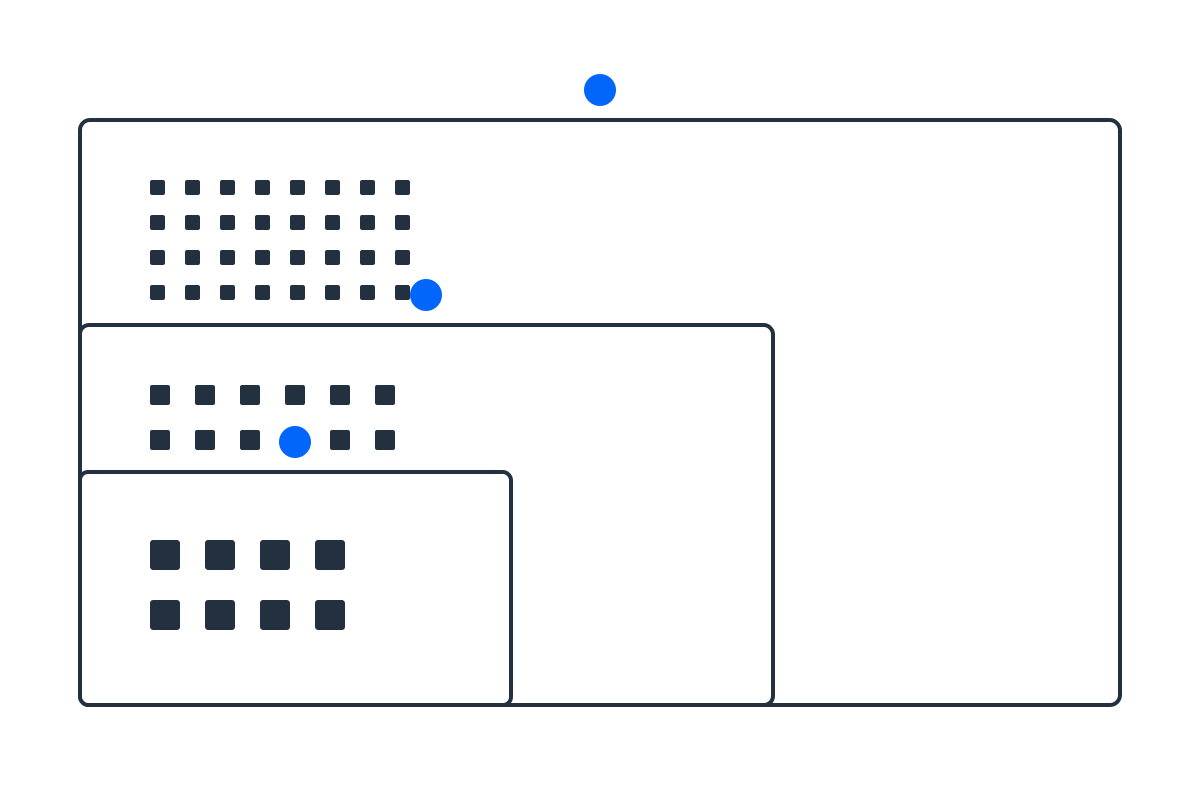
The RX 7600 is best suited to 1080p gaming. See the verdict for each resolution below — ratings factor in both raw performance and its 8GB VRAM.
1080p (FHD)
GreatRuns 1080p at high settings smoothly above 60 FPS.
1440p (QHD)
Playable1440p medium-high — lean on upscaling for a steady 60+. Its 8GB VRAM can also force lower texture settings in some newer titles.
4K (UHD)
Not idealStick to 1440p; 4K is a stretch even with upscaling. Its 8GB VRAM can also force lower texture settings in some newer titles.
What resolution is the RX 7600 best for?
Based on its performance tier and 8GB of VRAM, the RX 7600 is happiest at 1080p. Upscaling (DLSS, FSR or XeSS) can push it one tier higher in supported games by lowering the internal render resolution. Remember a bottleneck cuts both ways — pair it with a CPU that can keep up using the Bottleneck Estimator.
More on this card: recommended PSU · SFF fit.
Sources & verification
Resolution guidance is a directional tier recommendation, not a guaranteed frame-rate benchmark; results vary by game, settings, drivers and upscaling. Last reviewed July 17, 2026.
Frequently asked questions
Is the RX 7600 good for 1440p gaming?
Playable — 1440p medium-high — lean on upscaling for a steady 60+. Its 8GB VRAM can also force lower texture settings in some newer titles.
Is the RX 7600 good for 4K gaming?
Not ideal — Stick to 1440p; 4K is a stretch even with upscaling. Its 8GB VRAM can also force lower texture settings in some newer titles.
Does the RX 7600 have enough VRAM?
8GB is fine for 1080p but can limit high-resolution textures in newer titles.
Compare it with other cards in the GPU comparison hub, or pick a build by display in the resolution guide.